Ordering & payments
Taking phone orders without tying up your counter staff
How restaurants and cafés can automate phone orders while keeping accuracy high and card details off the phone.
Formartiq team · October 2026 · 5 min read
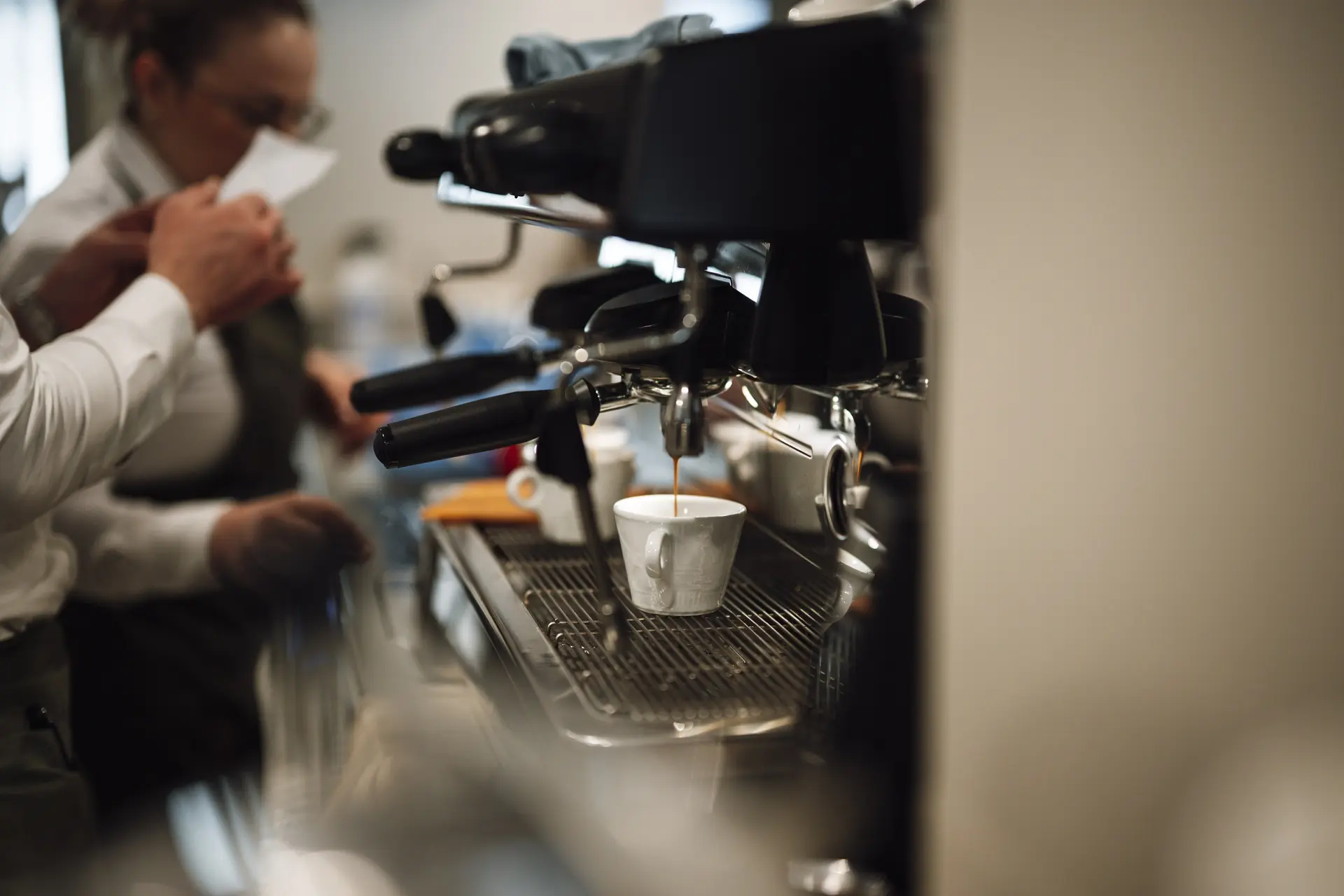
Photo: Shixart1985, CC BY 2.0
For many restaurants, the phone rings hardest at exactly the moment the counter is busiest. Staff are forced to choose between the customer in front of them and the one on the line. Here's how we approach automating phone orders without losing the personal touch.
Start with the menu you already have
The menu, prices and modifiers should come from your point of sale, not a separate document that drifts out of date. If an item is sold out or a price changes, the phone order should reflect it.
Always read the order back
A clear read-back, with each item, quantity, modifier and the pickup location, is the single most effective way to prevent mistakes. Callers expect it and appreciate it.
Take payment by link, not by voice
Reading card numbers aloud is slow, error-prone and risky. A secure payment link sent by SMS lets the customer pay on their own phone, and the order is only released to the kitchen once it's paid.
Send the order where the kitchen already looks
Paid orders should land in the same system as walk-in and online orders, at the right store, so staff don't have to check a separate screen or re-key anything.
Respect local hours and holidays
Opening hours, last-order times and public holidays need to be part of how the line answers. A caller on a holiday should hear the right message, not have an order accepted for a closed store.
Keep a person within reach
Some calls need a human, like a complaint, a large catering order or an unusual request. A good ordering line knows when to hand over to your staff.